Your Brightline trip, on your Lock Screen.
Auto-detects which train you're on the moment you open the app. Then a live progress strip, next-stop ETA, and final-stop countdown ride with you on the Lock Screen and Dynamic Island.
An independent app. Not affiliated with, endorsed by, or sponsored by Brightline Trains Florida LLC.
-
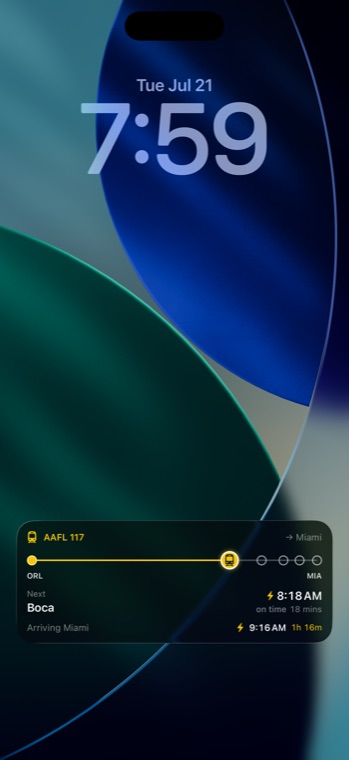
Lock Screen — next stop, arrival time and live position, without unlocking.
-
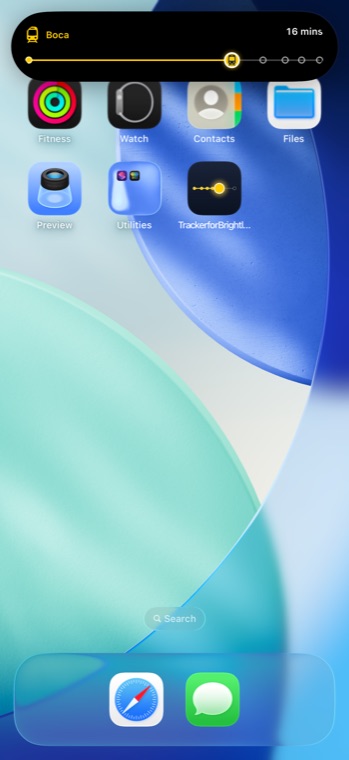
Dynamic Island — the journey strip and your countdown, one press away.
-
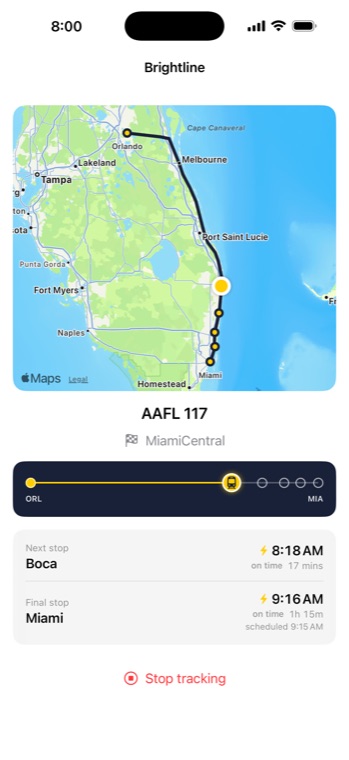
In the app — the live map, every station, and where your train is now.
Auto-detect
Open the app on board — it finds your train from your location and confirms with you. One tap and you're tracked.
Live progress
A journey strip with all stations spaced by real distance, with your live position interpolated between them.
Live Activity
Lock Screen and Dynamic Island show next-stop ETA, trip-end countdown, and the progress strip — without unlocking your phone.
Honest data
A ⚡ icon marks ETAs from the live feed; a wave icon marks values we estimated. You always know where the number came from.
Free on the App Store.
Requires iPhone running iOS 17 or later. The Lock Screen Live Activity works on any supported iPhone; the compact view needs a Dynamic Island.